
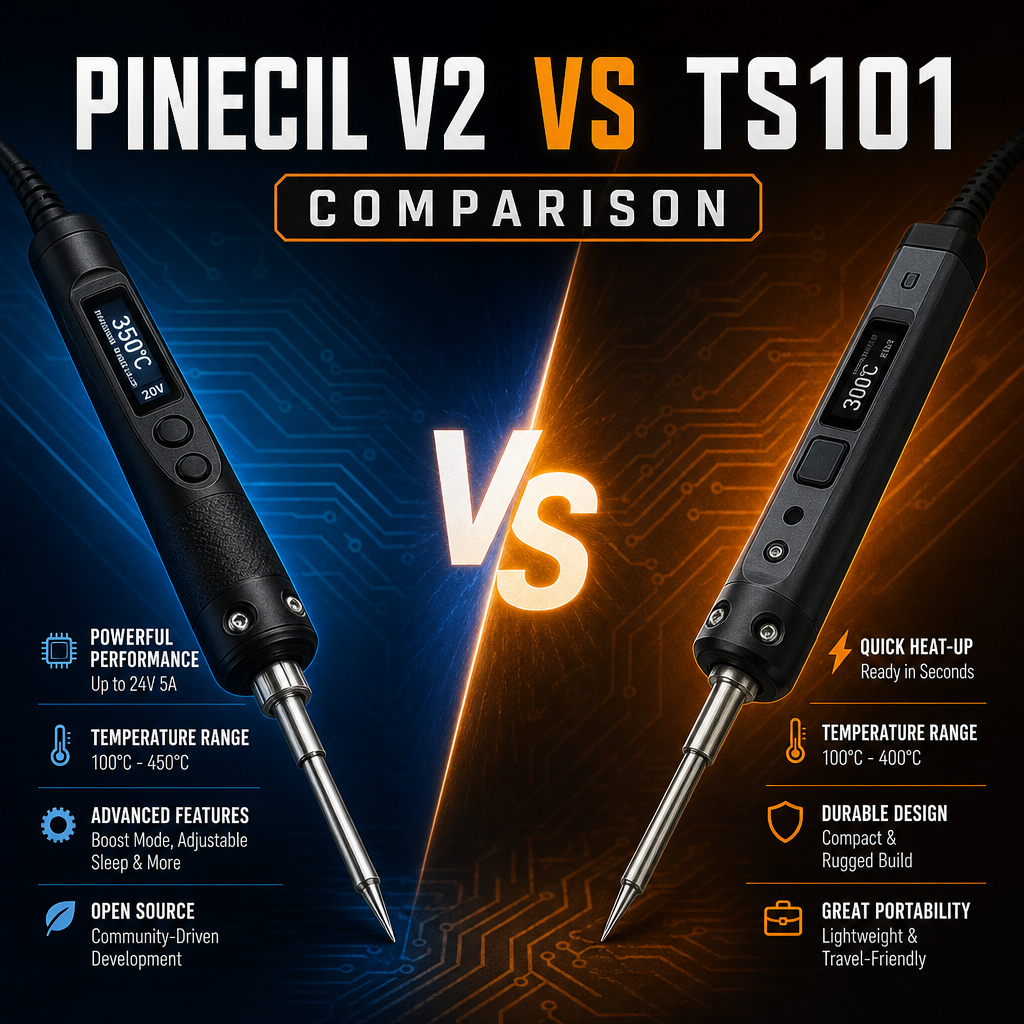
Quick Verdict
Pinecil V2 vs TS101: for most people, buy the Pinecil V2. It is generally the cheaper of the two, ships with a short, fast-heating tip, and runs the same open-source IronOS firmware. Choose the Miniware TS101 if you want a DC barrel input that goes up to 65W, a path to 90W over USB-C PD 3.1, or a bigger OLED with more heating data. Both top out at 400°C, and neither includes a power supply.
Table of Contents
Pinecil V2 vs TS101: Specs Side by Side
| Feature | Pinecil V2 | Miniware TS101 |
| Max temperature | 400°C | 400°C |
| USB-C power | PD and QC 3.0, 12–20V (28V with EPR chargers and cables) | PD 9–20V up to 45W; up to 90W with PD 3.1 (28V) after a firmware update |
| DC barrel input | 12–24V | 9–24V, up to 65W |
| Max power | Up to 88W at 24V with the included short tip | 65W (DC) / 90W (PD 3.1) |
| Weight with tip | 28 g | 33 g |
| Tip in the box | Pine64 ST-B2 short tip | TS-B2 (TS100-style) |
| Takes TS100-style tips | Yes | Yes |
| Firmware | IronOS (open source) | IronOS (open source) |
| Display | OLED | 128×32 OLED |
| Power supply included | No | No |
Power: What You Need to Plug In
In the Pinecil V2 vs TS101 decision, this is the part that trips up first-time buyers: neither iron comes with a charger or power cable. Plan on buying or borrowing one.
- Pinecil V2: works from a USB-C PD charger (12–20V, at least 3A), and also from a DC barrel supply. A 65W laptop charger is a common choice. QC 3.0 phone chargers work but are weaker, and Pine64 does not recommend them.
- TS101: works from a 9–24V DC barrel supply (old laptop chargers are a popular choice) or a USB-C PD 3.0 charger. For 90W you need a PD 3.1 28V supply and a cable rated for it.
The Pinecil V2’s short tips draw more power than traditional long tips, so a weak charger will make it shut down while heating. Use a proper PD charger and you avoid the problem.
Tips: Why It Matters Which You Buy
Both irons accept classic TS100-style tips, so there is a large library of replacement tips for either one. The Pinecil V2 also uses Pine64’s own short tips, which heat faster but are designed for the Pinecil, so don’t assume they swap into the TS101. If you already own TS100 tips, either iron will use them.
Firmware and Features
Both run open-source IronOS, so you get adjustable sleep and standby behavior, temperature presets, and a boost mode for chunky joints. The TS101’s larger 128×32 display shows more heating data at a glance. The Pinecil V2 shows the same core information on a smaller screen and runs a RISC-V chip with Bluetooth LE hardware.
Pinecil V2 vs TS101: Who Should Buy Which?
Buy the Pinecil V2 if you…
- want the lowest price and don’t mind a smaller display
- already have a USB-C PD charger or power bank
- want a very light iron (28 g with the tip)
Buy the TS101 if you…
- have an old laptop-style DC supply and want to use it
- want a route to 90W over USB-C PD 3.1
- prefer the larger display and the cat-ear cap that also works as a rest
Frequently Asked Questions
Does the Pinecil V2 or TS101 come with a charger?
No. Both are sold without a power supply, so you need a USB-C PD charger or a DC supply that matches the iron.
Pinecil V2 vs TS101: which is better for a beginner?
The Pinecil V2 is the easier starting point for most people because it costs less and runs from a common USB-C PD charger. The TS101 is a fine choice if you prefer a bigger display or already have a DC supply.
Can I use TS100 tips on either one?
Yes. Both accept TS100-style tips.
Final Recommendation
In the Pinecil V2 vs TS101 matchup, both are capable, open-source USB-powered soldering irons for electronics and hobby work. If you just want one good iron without overthinking it, the Pinecil V2 is the pick for most buyers. If a bigger display, a DC barrel input, or the 90W path matters to you, the TS101 is worth the extra cost.