
Quick Verdict
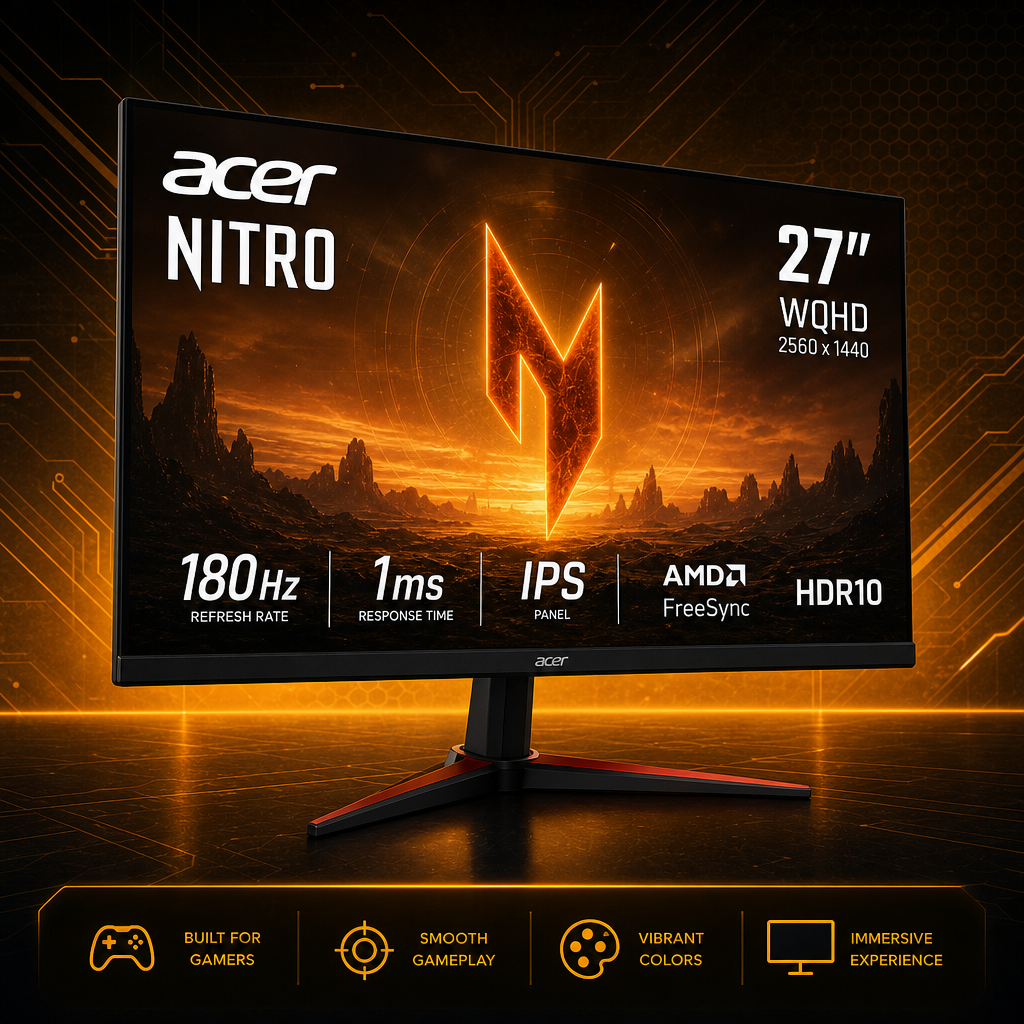
The Acer Nitro KG271U (N3bmiipx) is a 27-inch 2560×1440 IPS gaming monitor with up to 180Hz refresh, AMD FreeSync, HDR10 support, and a zero-frame design. If you want a 1440p, high-refresh monitor on a budget, this is a strong pick. The trade-offs are modest 250-nit brightness, a stand that only tilts, and no USB ports.
As an Amazon Associate I earn from qualifying purchases. This review is based on the manufacturer’s specifications and published listings.
Table of Contents
Acer Nitro KG271U Specifications
| Feature | Details |
| Screen size | 27 inches |
| Resolution | 2560×1440 (WQHD) |
| Refresh rate | Up to 180Hz |
| Panel type | IPS |
| Response time | Up to 0.5 ms (GTG, min.) |
| Adaptive sync | AMD FreeSync |
| HDR | HDR10 support |
| Brightness | 250 nits |
| Color coverage | About 95% DCI-P3 |
| Viewing angle | 178° horizontal and vertical |
| Ports | 1× DisplayPort 1.2, 2× HDMI 2.0, 3.5 mm audio out |
| Speakers | Built-in |
| Stand | Tilt only |
| VESA mount | 100×100 mm |
Pros and Cons
Pros
- 1440p resolution with up to 180Hz refresh on a 27-inch IPS panel
- AMD FreeSync helps prevent screen tearing
- Up to 0.5 ms GTG response time for clear motion
- About 95% DCI-P3 coverage and wide viewing angles
- Two HDMI 2.0 ports plus DisplayPort 1.2
- Zero-frame design and a standard 100×100 mm VESA mount
Cons
- 250 nits of brightness is modest, so HDR10 is more of a bonus than a showpiece
- The stand tilts only, with no height adjustment
- No USB ports
- Built-in speakers are convenient but no substitute for headphones or real speakers
Performance and Real-World Use
Motion and smoothness
A 180Hz refresh rate with a response time of up to 0.5 ms is what makes this monitor attractive for fast games like shooters and racing titles. FreeSync keeps the picture tear-free when your frame rate moves around. To get the most out of 1440p at high refresh rates, you need a graphics card that can actually push those frame rates.
Color and image quality
The IPS panel gives wide 178° viewing angles and about 95% DCI-P3 coverage, which is good for the price class. HDR10 is supported, but with 250 nits of brightness you should not expect the punch of a true HDR display.
Everyday use and setup
At 27 inches, 1440p gives you noticeably more desktop space than 1080p for work and browsing. The stand only tilts, so if you want to adjust height, plan on a monitor arm using the 100×100 mm VESA mount. That fits well with a tidy desk build like the ones in our workshop projects.
Who Should Buy the Acer Nitro KG271U?
A good fit if you…
- are upgrading from a 1080p monitor and want a sharper picture
- play fast-paced games and want a high refresh rate on a budget
- want matching 27-inch panels for a multi-monitor setup
- use a monitor arm, so the tilt-only stand does not matter
Look elsewhere if you…
- want strong HDR performance
- use the monitor in a very bright room
- need a height-adjustable stand or built-in USB ports
Alternatives to Consider
- ASUS TUF Gaming VG27AQ3A: another 27-inch 1440p, 180Hz option if you want a different brand and stand.
- Acer Nitro XV2: a step up in the Nitro line for a faster refresh rate.
- Acer ED270U (curved): a curved 27-inch option if you prefer a wraparound look.
Comparing more screens? Browse our comparison hub and the full gear review hub.
Frequently Asked Questions
Is the Acer Nitro KG271U a 1440p monitor?
Yes. It is a 27-inch WQHD monitor with a 2560×1440 resolution and an IPS panel.
What ports does it have?
One DisplayPort 1.2 input, two HDMI 2.0 inputs, and a 3.5 mm audio output. There are no USB ports.
Can I adjust the height?
The stand only tilts. For height adjustment, mount it on a monitor arm using the 100×100 mm VESA pattern.
Is HDR worth using on it?
It supports HDR10, but with 250 nits of brightness the effect is mild. Treat it as a bonus rather than a reason to buy.
Final Verdict on the Acer Nitro KG271U
For gamers who want a sharper 1440p picture with a high refresh rate without a big spend, this monitor delivers the key specs: 27 inches, IPS, up to 180Hz, FreeSync, and a quick response time. Accept the modest brightness and the basic stand, and it is an easy recommendation. Check the current price, since monitor prices change often.