
Quick Verdict
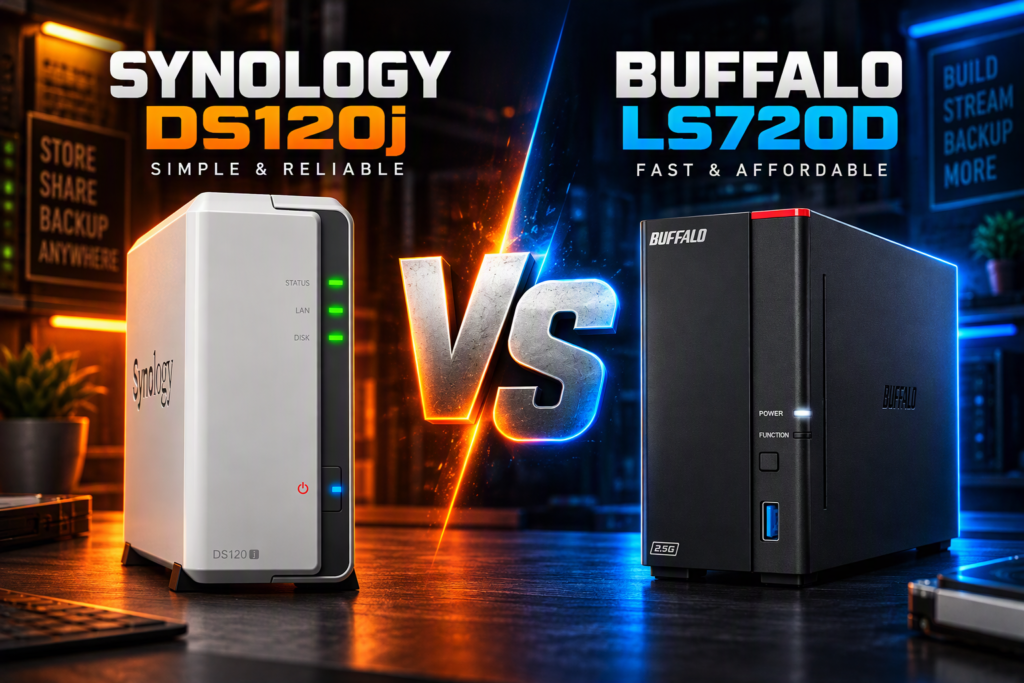
The Synology DS120j vs Buffalo LinkStation 710 comparison shows two entry-level 1-bay NAS options aimed at home users who want personal cloud storage without monthly fees.
Choose the Synology DS120j if you want a flexible, software-rich NAS that can grow with larger drives and deeper features. Choose the Buffalo LinkStation 710 if you prefer a simpler, ready-to-use unit with a faster network port and more RAM out of the box.
The DS120j runs Synology’s full DSM platform and supports drive upgrades up to the model’s official limit. The LinkStation 710 ships with a 2 TB drive already installed, uses a 2.5GbE port, and focuses on straightforward file sharing and backup.
Table of Contents
Synology DS120j vs Buffalo LinkStation 710 Specs
| Feature | Synology DS120j | Buffalo LinkStation 710 |
| Drive bays | 1 | 1 |
| Included storage (this listing) | 2 TB SATA (listing claims; installation note also present) | 2 TB HDD included |
| Max internal capacity (official) | Up to 16 TB (1 × 16 TB drive) | 2 / 4 / 8 TB models available |
| CPU | Marvell Armada 3700 88F3720 dual-core 800 MHz | Hexa-core 1.3 GHz |
| Memory | 512 MB DDR3L non-ECC | 2 GB |
| Network | 1 × 1GbE RJ-45 | 1 × 2.5GbE RJ-45 |
| USB ports | 2 × USB 2.0 | 2 × USB 3.2 Gen 1 + 1 × USB 2.0 |
| Operating system | Synology DiskStation Manager (DSM) | Buffalo proprietary (closed system) |
| Remote access | QuickConnect + mobile apps | WebAccess + mobile apps |
| Backup tools | Time Machine, rsync, Hyper Backup, Active Backup | NAS Navigator + NovaBACKUP (Buffalo edition) |
| File systems (internal) | EXT4 | Proprietary / EXT |
| Dimensions (H × W × D) | 166 × 71 × 224 mm | Approx. 127 × 45 × 205 mm (5.02 × 1.77 × 8.07 in) |
| Power consumption (typical) | 9.81 W access / 4.68 W HDD hibernation | Max 46 W |
| Warranty | 2-year hardware (extendable) | 2-year (includes drive coverage per Buffalo) |
Sources: Synology official product specification sheet for the DS120j and Buffalo Americas LinkStation 700 series product page for the 710 models. The Amazon listing for the DS120j notes both a 2 TB drive and a separate “installation required” statement; treat the drive status as listing-dependent.
Hardware and Performance Differences in the Synology DS120j vs Buffalo LinkStation 710
The Buffalo LinkStation 710 starts with a clear hardware edge for everyday home use: a hexa-core 1.3 GHz processor, 2 GB of RAM, and a native 2.5GbE network port. That combination is designed for faster sequential transfers on modern routers and switches that support 2.5G. The Synology DS120j uses an older Marvell Armada dual-core 800 MHz CPU and 512 MB of RAM with a standard 1GbE port. Synology lists sequential throughput figures above 112 MB/s read and 106 MB/s write under its test conditions, which is still adequate for most single-user backup and media streaming tasks.
Both units are 1-bay designs, so neither offers RAID redundancy. The DS120j accepts a user-replaceable 3.5-inch (or optional 2.5-inch) SATA drive and officially supports up to 16 TB internal capacity. The LinkStation 710 ships with the drive already installed; higher-capacity 4 TB and 8 TB versions of the same series exist if you need more space later. USB ports also differ: the Buffalo unit provides two USB 3.2 Gen 1 ports plus one USB 2.0, while the DS120j offers only two USB 2.0 ports.
Power draw favors the Synology. Official figures show the DS120j at roughly 9.8 W during access and under 5 W when the drive is hibernating, making it suitable for always-on use. Buffalo lists a maximum of 46 W for the 710 series.
Software, Apps, and Long-Term Flexibility: Synology DS120j vs Buffalo LinkStation 710
Software is the biggest practical difference. The Synology DS120j runs DiskStation Manager (DSM), which includes a wide set of packages for file sync (Synology Drive), photo management, media streaming, centralized backup of Windows/Mac/mobile devices, and security tools. QuickConnect provides remote access without complex router setup. Because the platform is actively developed, newer DSM versions continue to add features and security updates for supported hardware.
The Buffalo LinkStation 710 uses a closed system focused on simplicity. It ships with NAS Navigator for discovery and management, includes NovaBACKUP licenses for PC backup, supports SSL-encrypted transfers, and offers folder-level access controls for sharing with family. Remote access is handled through Buffalo’s WebAccess service and mobile apps. The closed design reduces the attack surface from third-party packages but also limits expandability and advanced services such as Docker, virtualization, or extensive surveillance packages that DSM can offer on higher Synology models.
If you expect to keep the device for many years and may later want more sophisticated backup jobs, photo libraries, or media servers, the DS120j’s DSM platform gives more room to grow. If you mainly want a plug-in personal cloud for photos, documents, and basic PC backups with minimal configuration, the LinkStation 710 is purpose-built for that role.
Which Should You Buy in the Synology DS120j vs Buffalo LinkStation 710 Comparison?
Buy the Synology DS120j if you…
- Want the full DSM feature set (Drive, Photos, Hyper Backup, mobile apps, security tools)
- Plan to replace or upgrade the drive later (official support up to 16 TB)
- Prefer lower continuous power consumption for always-on use
- Value long-term software updates and a large ecosystem of packages
Buy the Buffalo LinkStation 710 if you…
- Want a ready-to-use 2 TB unit with the drive already installed
- Have a 2.5GbE-capable network and want the faster port
- Prefer a simpler closed system with fewer configuration options
- Need included PC backup software and US-based phone support for setup
Neither device replaces a proper 3-2-1 backup strategy. Both are single points of failure for data; keep at least one additional offline or offsite copy of important files.
Read the Full Reviews and Related Posts
For deeper individual coverage, check the gear review hub and related pages once they are published or updated:
- Gear Review Hub – all current reviews and comparisons
- Comparison Hub – side-by-side tool and storage posts
- Also check out our Buffalo Linkstation 710 review
External reference for official specifications: Synology DS120j product page and Buffalo LinkStation 700 series page.
Final Verdict on the Synology DS120j vs Buffalo LinkStation 710
The Synology DS120j remains the stronger long-term choice when software flexibility, low power use, and future drive upgrades matter most. The Buffalo LinkStation 710 is the more convenient out-of-the-box option with a faster network interface and more memory for users who simply want reliable personal cloud storage and basic backups without learning a full NAS operating system.
Match the device to your priorities: DSM ecosystem and upgrade path for the DS120j, or simplicity and 2.5GbE speed for the LinkStation 710.